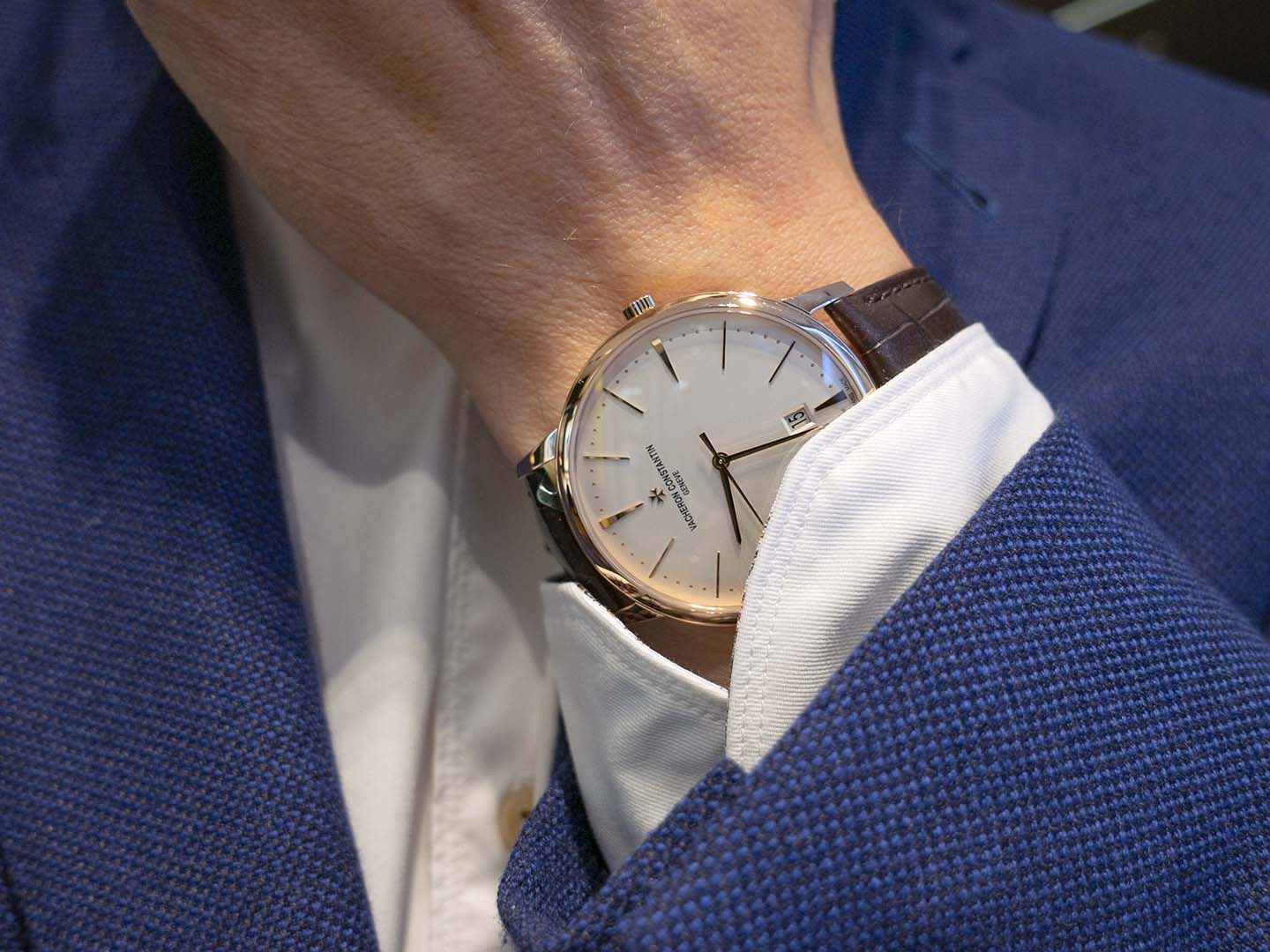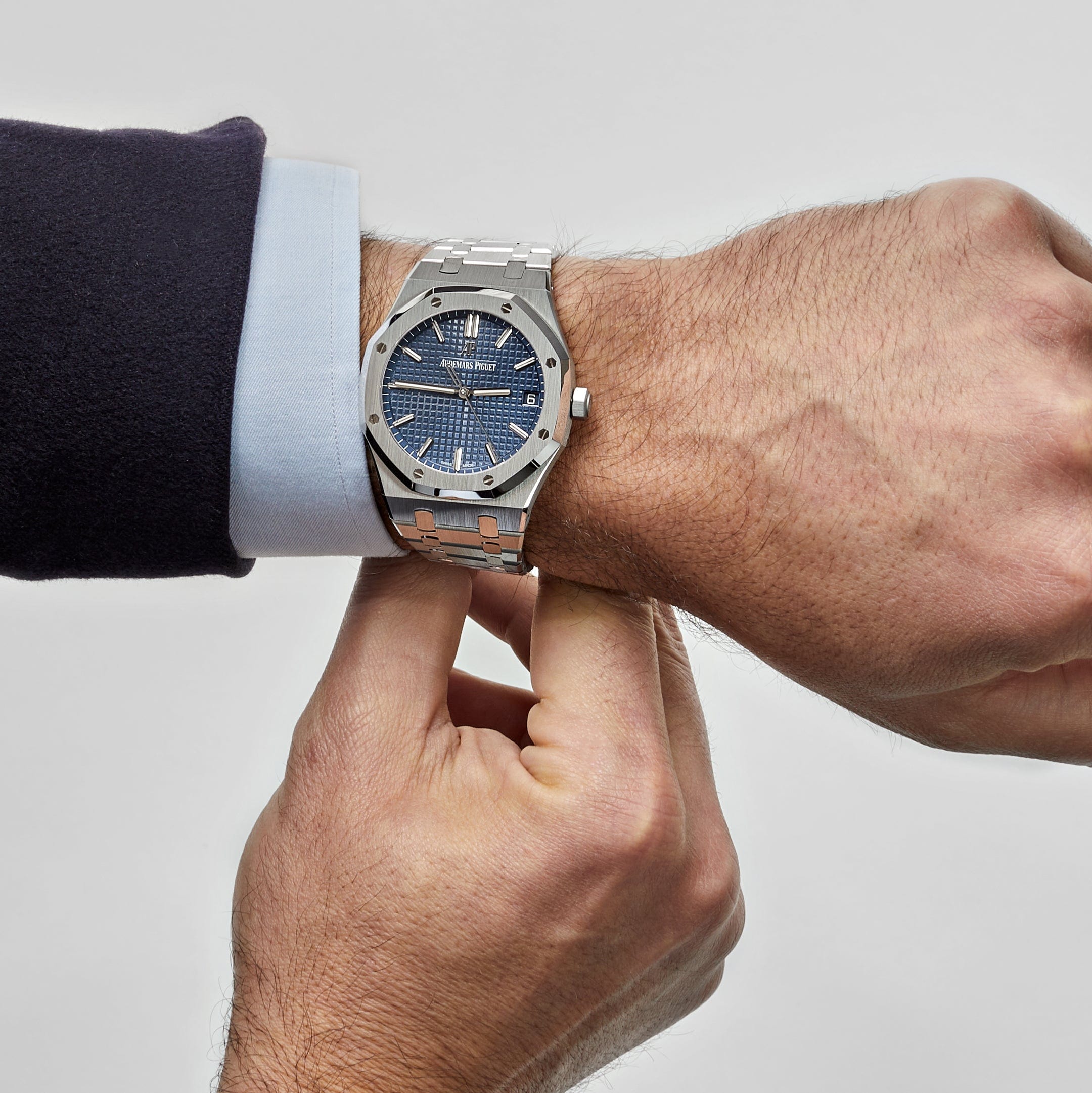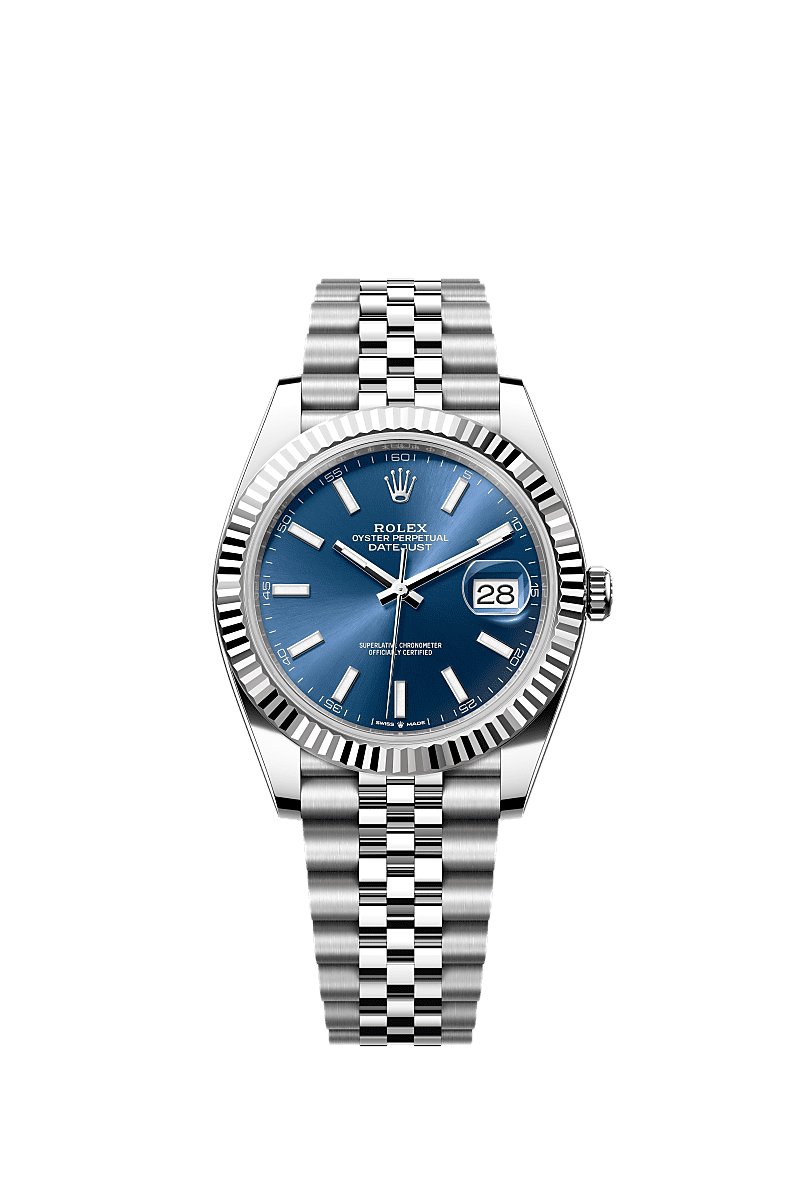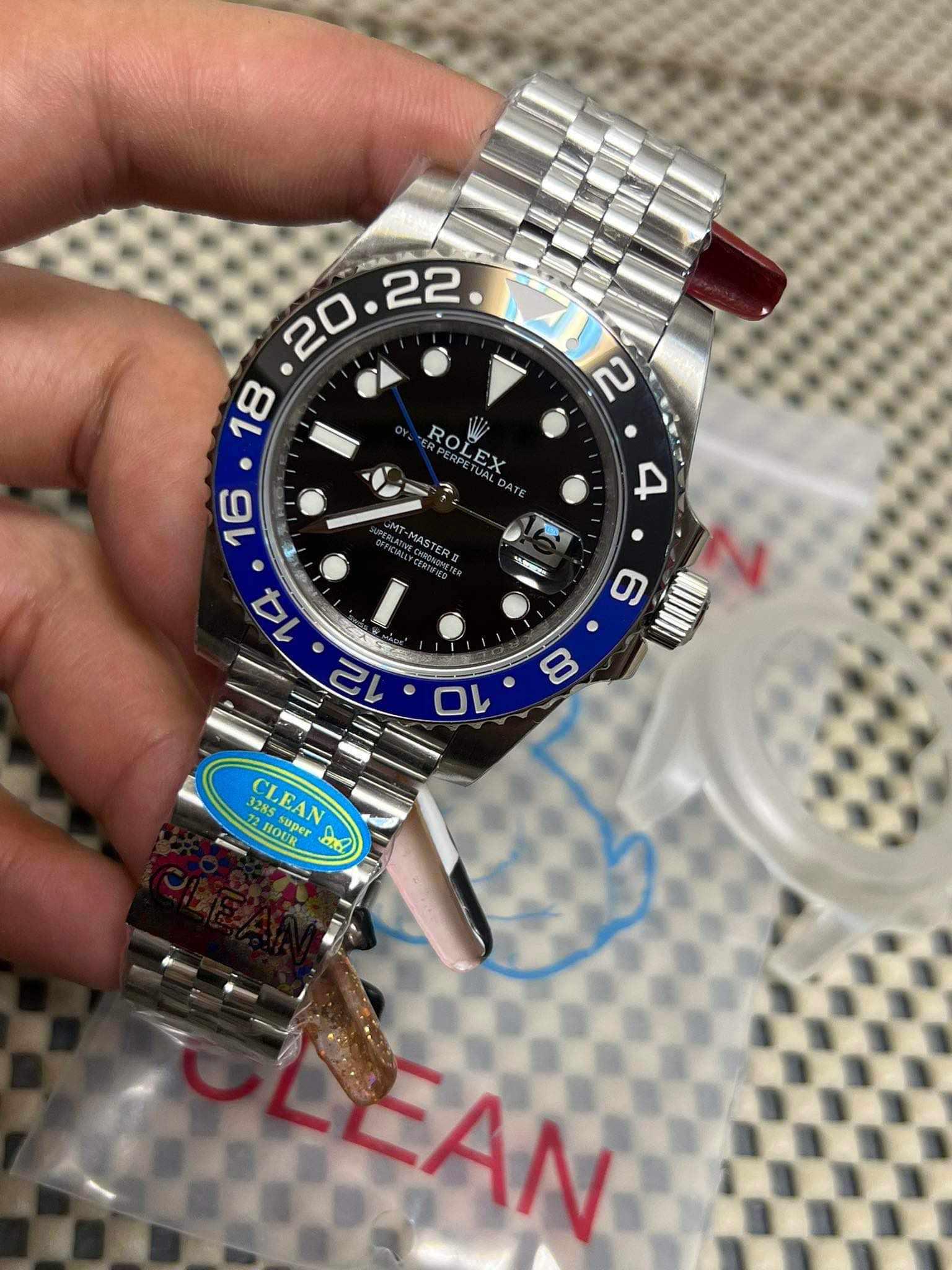
Quality-control photos show the specific watch proposed for an order before it ships. They are most useful when the images are clear, consistent, and tied to the reference you selected. A good review combines appearance checks with evidence that the watch's advertised functions work; photographs alone cannot establish every aspect of condition or reliability.
Build a complete picture first
Start with a straight-on view of the dial, then look at angled views, both case sides, the caseback, the clasp, and the bracelet or strap connections. A close-up of the date window helps when one is present. Request a demonstration for complications such as a chronograph or GMT hand, since a stationary photo cannot show their operation.
Keep the order description beside the pictures. Confirm the reference, dial color, bracelet, case finish, and stated version before inspecting small details. This catches a basic mismatch early and gives you a clear basis for any follow-up question.
Review the dial and bezel
Look at the relationship between the center of the dial, the hour markers, and the printed text. Markers should appear evenly placed and the printing should be legible. A tilted camera can make a straight dial seem crooked, so request a level image before treating a suspected alignment issue as a defect.
For a rotating bezel, check alignment with the bezel in the intended position. Examine the insert for damaged edges, uneven markings, or inconsistent fill. Do not rely on a pixel measurement from an angled photo to assign a precise physical tolerance. A closer image or short video may answer the question more clearly.
Check the date and finishing
The date should sit clearly within its window. Ask to see more than one date if the position or printing looks questionable. When a magnifying lens is present, assess its placement using several views; reflections and perspective can distort the apparent size of the numeral.
Inspect polished and brushed surfaces for scratches, rough edges, and inconsistent transitions. Look at the bracelet end links, strap fit, and clasp. The relevant standard depends on the design: an integrated bracelet and a conventional bracelet attachment will not present the same gaps or geometry.
Read movement evidence in context
A timegrapher measures aspects of a mechanical movement's operation, commonly including rate, amplitude, and beat error. Its readings need context: movement type, state of wind, testing position, and instrument settings can affect interpretation. A single screenshot is a snapshot of a test, not a promise of identical performance on the wrist.
If a reading raises a concern, ask for the test conditions and a repeat check rather than applying one universal pass-or-fail range. A caseback photo can show the movement's appearance, but decoration does not prove its origin or establish that every visible mechanism is functional.
Decide what needs clarification
| Observation | Useful next step |
|---|---|
| Apparent dial or bezel misalignment | Request a level view and, where relevant, a bezel-position check. |
| Unexpected dial color | Ask for an additional image under different lighting. |
| Unclear complication function | Request a start-to-finish demonstration. |
| Visible damage or incorrect specification | Identify the issue and ask how it will be resolved before dispatch. |
Some buyers use “GL” for approval and “RL” for rejection. Plain language is often more useful: describe the specific detail, attach the relevant image, and explain what needs to be checked. Confirm the seller's approval and replacement process instead of assuming every order follows the same rules.
For background on the terms used in listings, see the factory guide and movement guide. A careful review helps you understand the individual watch without turning a photograph into a guarantee it cannot provide.